How do I work and close a maintenance request?
Move requests across the board, start them, and close them as repaired — or scrap the equipment.
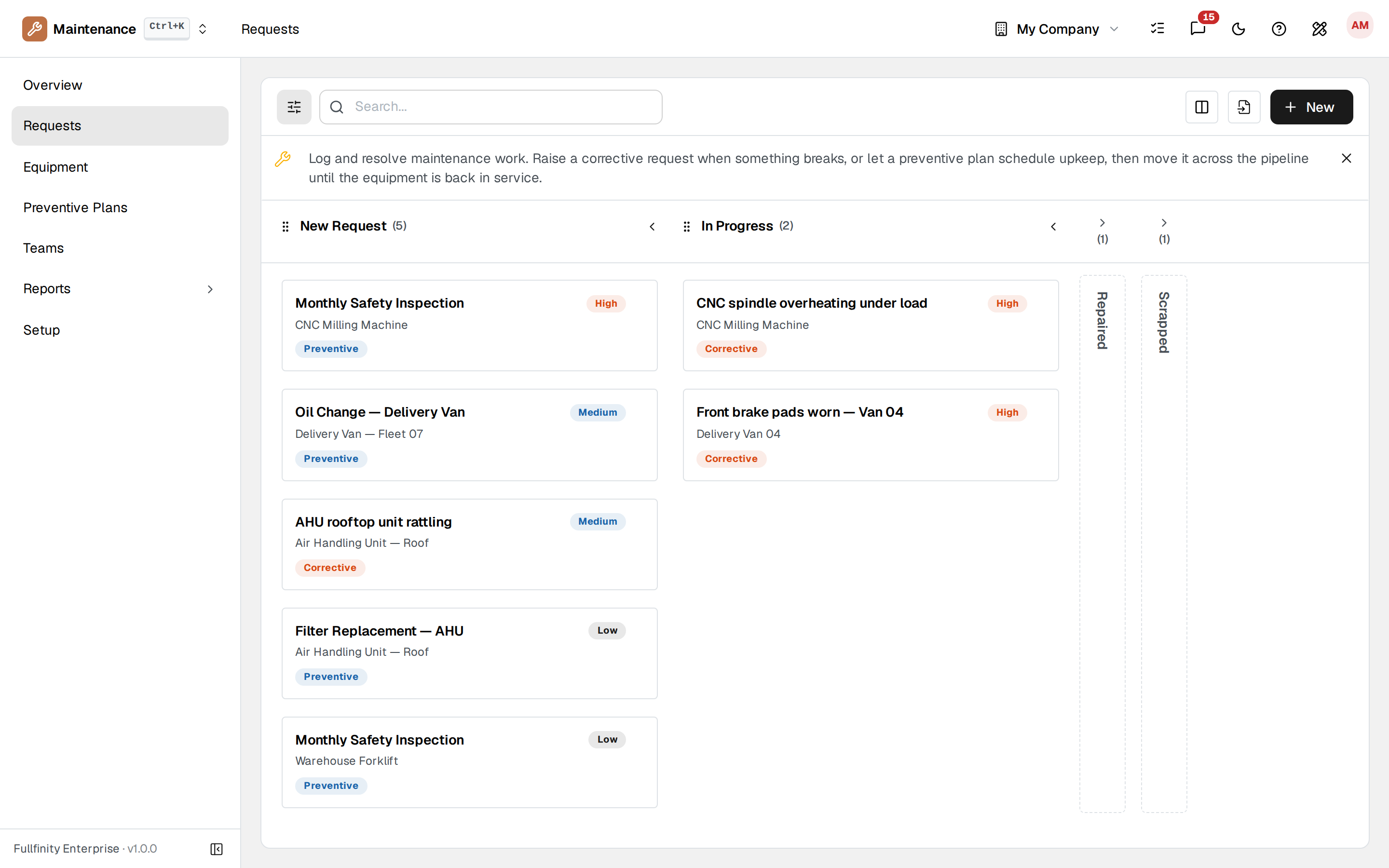
Maintenance → Requests opens on a board with a column per stage. Drag a card to move it, or open it and use the buttons. The calendar view shows the requests by their scheduled time.
On the request:
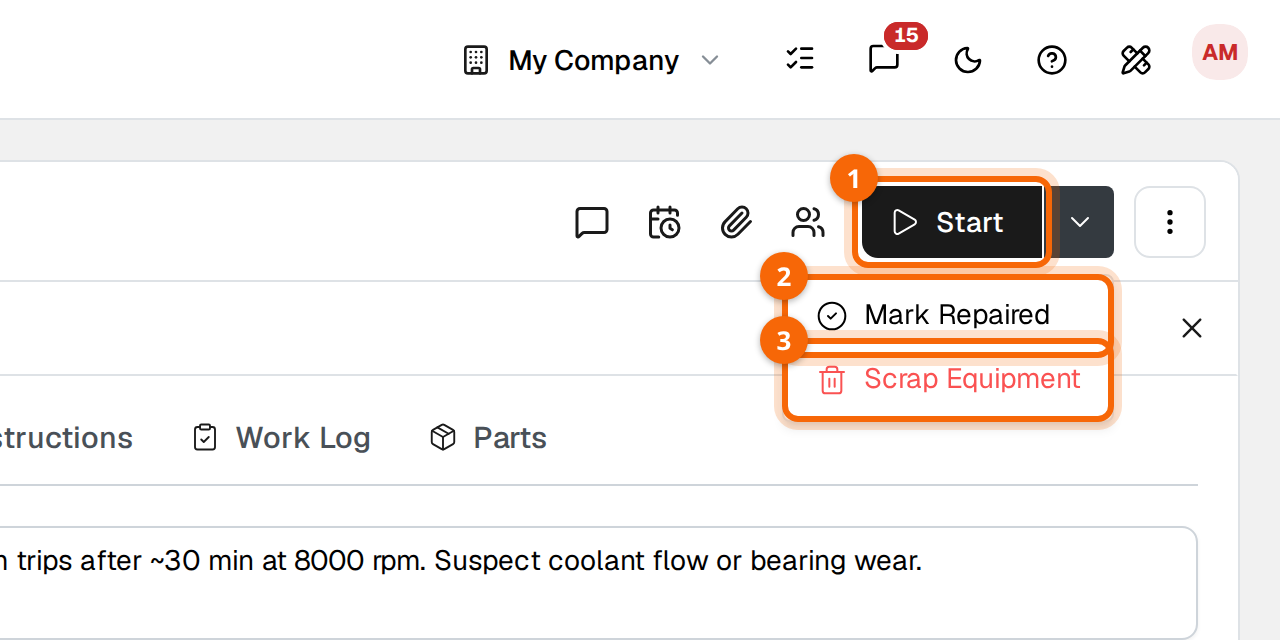
- Start — moves it to the in-progress stage.
- Mark Repaired — closes it. The equipment goes back to Operational (once no other breakdown is open on it), and Closed On records the date.
- Scrap Equipment — closes it and retires the equipment as Scrapped. No more preventive work is generated for it.
Closing a request that came from a preventive plan moves that equipment's next service on. When the plan repeats from the completion date, the next one is counted from today.
Moving a request out of a closing stage reopens it — and, with spare parts on, returns its parts to stock.
Was this article helpful?