How do I pack items into packages?
Put the picked goods of a delivery into boxes so each package can be weighed, rated and tracked.
Packing records which goods went into which box. Each package gets its own reference and weight, which is what a carrier needs to price the shipment.
- Open the delivery and enter what you've picked for the first box in Qty Done.
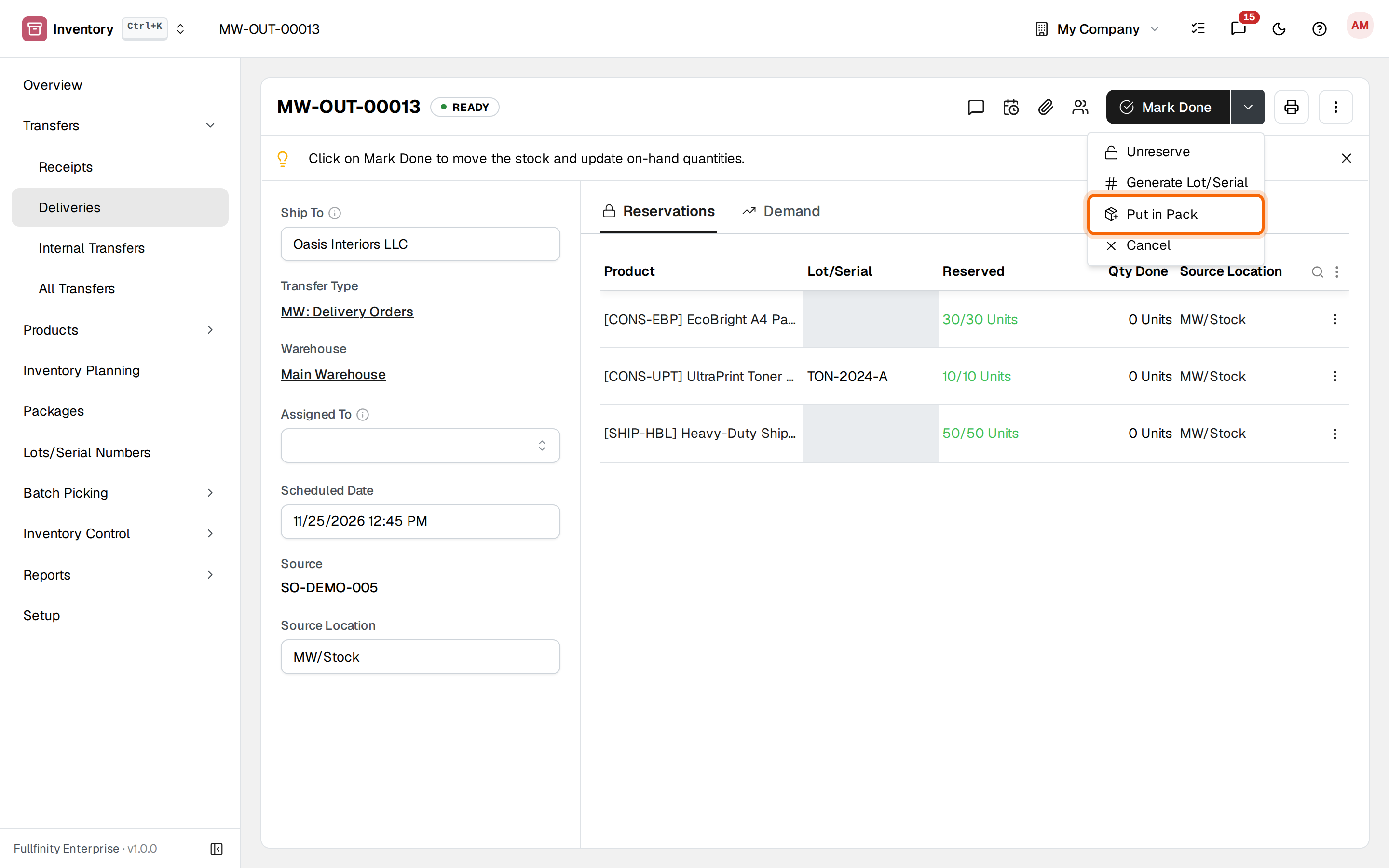
- Open the menu next to Mark Done and click Put in Pack.
- The window lists the Contents — everything picked and not yet packed. Choose the Package Type, or pick a package under Add to Existing Package to top one up.
- Click Put in Pack.
- For the next box, record the next items as done and repeat.
- When everything is packed, click Mark Done.
All packages are listed under Inventory → Packages, with their Package Type, Location and Shipping Weight.
Was this article helpful?