How do I follow a forum or a topic?
Get an email for every new topic in a forum or every reply in a topic, and stop with one click.
Following is how members hear about new posts without checking the site.
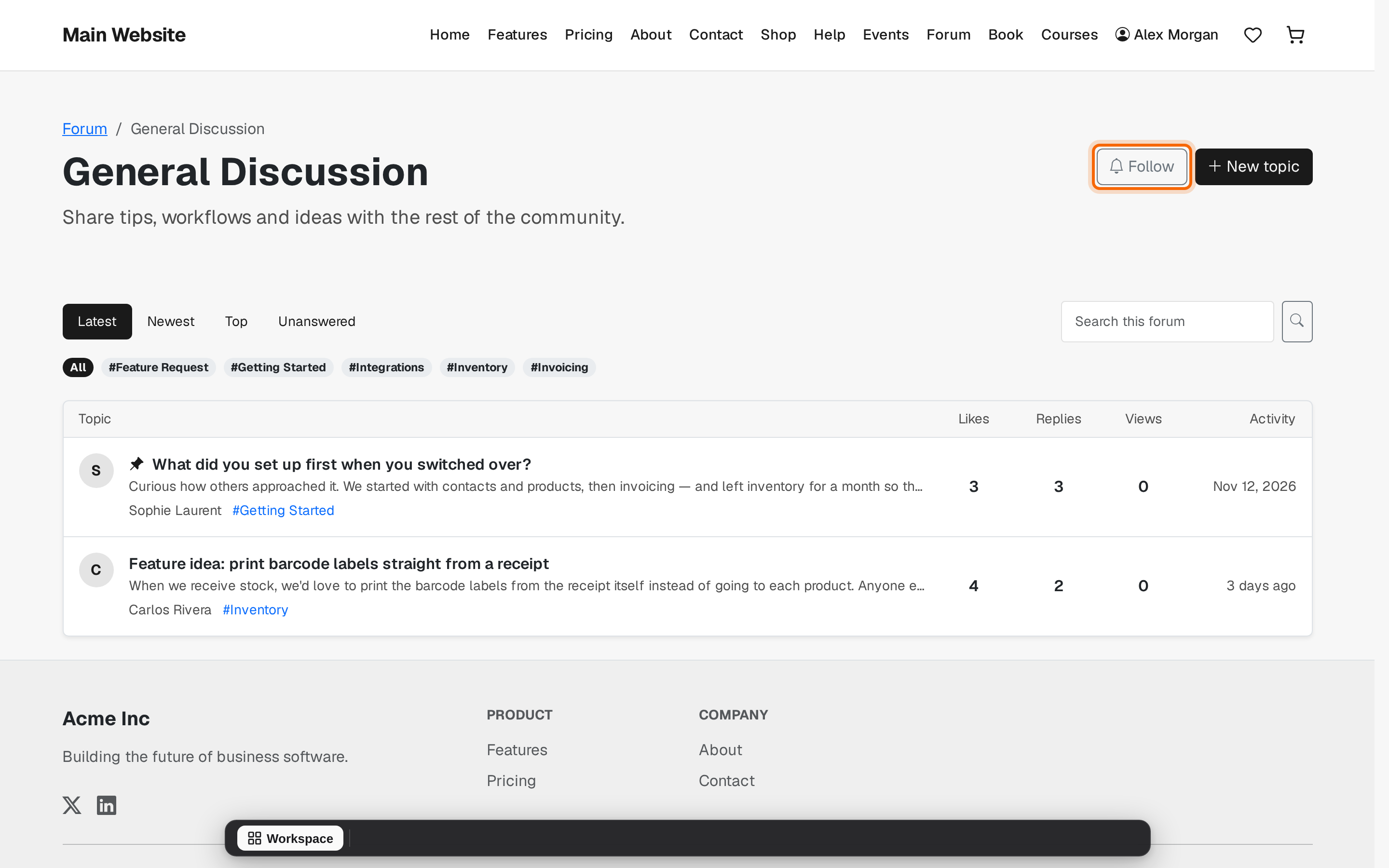
- Follow a forum to get an email for every new topic in it.
- Follow a topic to get an email for every reply to it.
Follow
Signed in, click Follow at the top of a forum or a topic. The button turns into Unfollow.
You follow a topic automatically when you start it or reply to it.
What the email says
It names the topic, who wrote, and shows the post, with a link straight to it. You don't get an email about your own posts. A post waiting for review is emailed only once a moderator approves it — and only once, even if it is reported and approved again later.
Stop following
Click Unfollow on the forum or topic, or the unsubscribe link at the bottom of any of these emails. The link works without signing in, and stops only the forum or topic that email was about.
For the forum's managers
- Who follows a topic is on its Followers tab, in Forum → Topics.
- Switch off Email Followers in Forum → Setup to stop all these emails; following then does nothing until you switch it back on.