How do I get a document reviewed and validated?
Send a document for review, validate it when it is approved, and reopen it if it needs changes.
Every document has a status that tells people whether they can rely on it: Draft while it is being worked on, In Review while someone checks it, and Validated once it is final.
- Open the document and click Submit for Review. The status becomes In Review.
- Let the reviewer know: schedule an activity for them on the document, or mention them in a message underneath.
- The reviewer opens it and clicks Validate. The status becomes Validated.
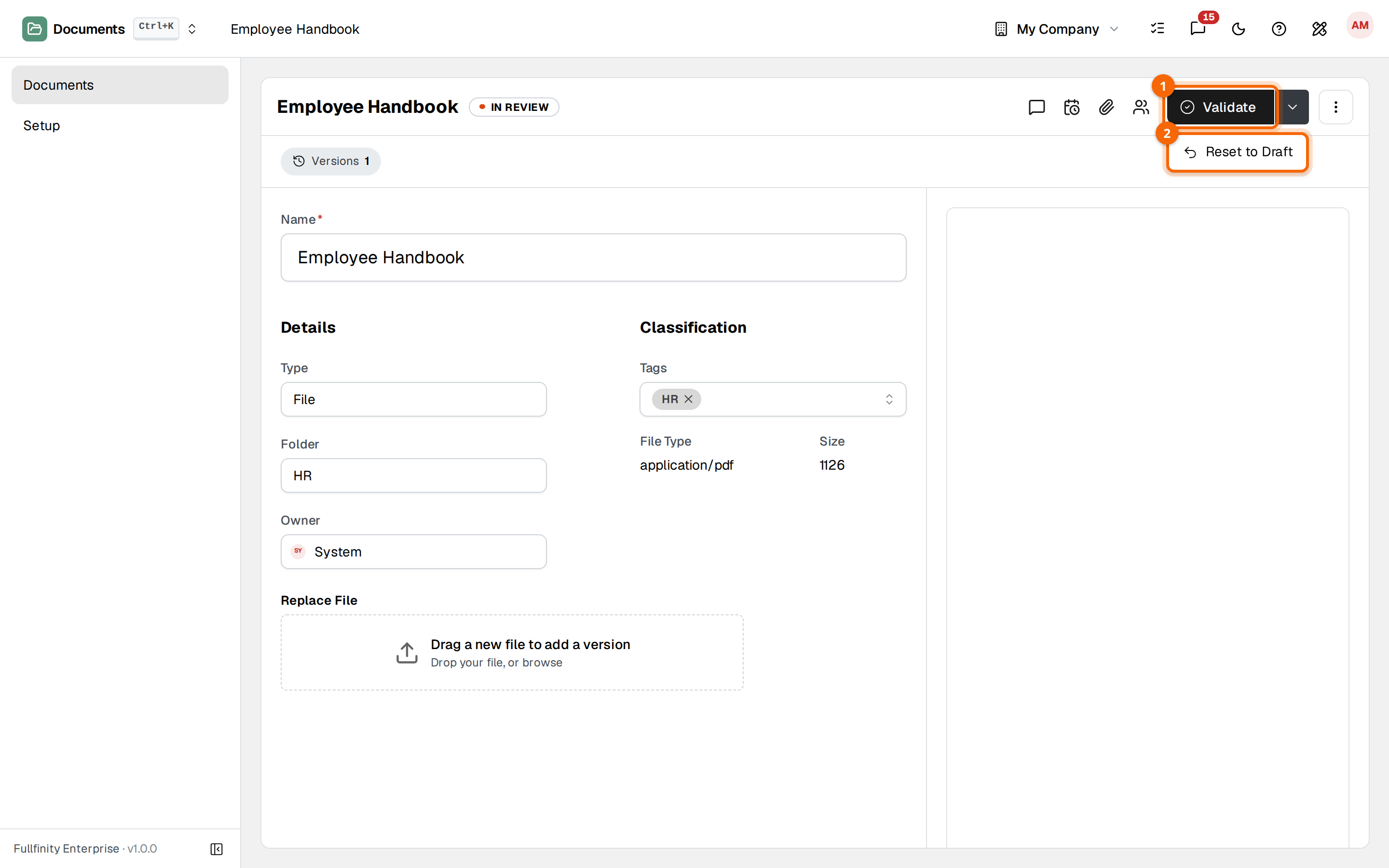
If it needs changes, click Reset to Draft — on a document in review or already validated — make them, and submit it again. Uploading a new version does not change the status by itself, so reset a validated document before you replace its file.
To see what is waiting, use the In Review filter in Documents → Documents.
Was this article helpful?