How do unsubscribes and the suppression list work?
What happens when someone unsubscribes or changes their preferences, and how to stop sending to an address yourself.
Every campaign email carries an unsubscribe link at the bottom, and inboxes such as Gmail show their own Unsubscribe button for it. You don't add or manage either: they are part of every campaign.
When someone unsubscribes
The link opens a page that asks Unsubscribe from our emails? and names their address. Only when they press Unsubscribe does anything change — so link scanners in mail systems can't unsubscribe people by accident. Then:
- their address goes on the suppression list, so no campaign is sent to it again;
- they are opted out of every list they were on;
- the campaign they unsubscribed from counts it, and their row in its Recipients tab shows Unsubscribed.
Their preferences page
The same page offers Manage your preferences instead: a list of your Public audience lists with a tick box each. Unticking a list opts them out of just that list; ticking one subscribes them — and takes their address off the suppression list if it was there.
The suppression list
Go to Campaigns → Setup and click Suppression List (Campaign managers).
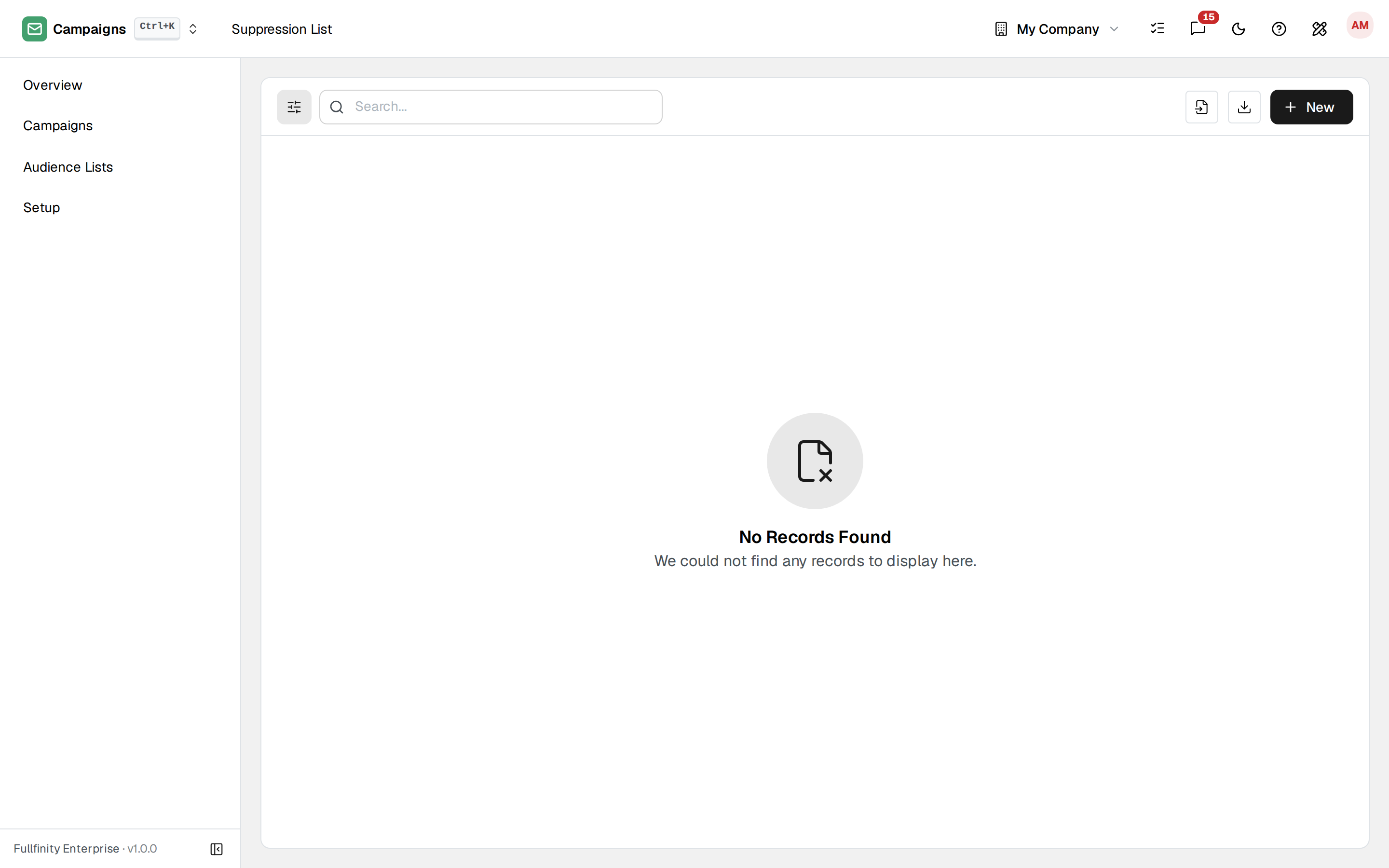
Each row is an address or phone number that never receives a campaign, with the Reason: One-click unsubscribe, Hard bounce (it bounced as often as your Bounce Threshold allows), or whatever you typed. To stop mailing someone yourself — they asked by phone, say — click New and enter their Email or Phone. A phone number stops SMS and WhatsApp campaigns to it.
Text replies: STOP and START
With the Messaging app, someone who replies to any of your text messages with just STOP — or UNSUBSCRIBE, CANCEL, END or QUIT, in capitals or not — has their number put on the suppression list straight away, with the reason Replied STOP (SMS) (or WhatsApp). Replying START or UNSTOP takes it off again. A sentence that merely contains the word, such as please don't stop the deliveries, changes nothing. The reply is still kept on the contact's conversation, and Fullfinity sends no answer of its own — Twilio already confirms a STOP to the sender.
A contact whose address is suppressed shows a red Email Suppressed badge at the top of their contact form.