How do I turn card labels and column limits on or off?
Choose whether cards carry labels and columns have card limits, and manage a board's label list.
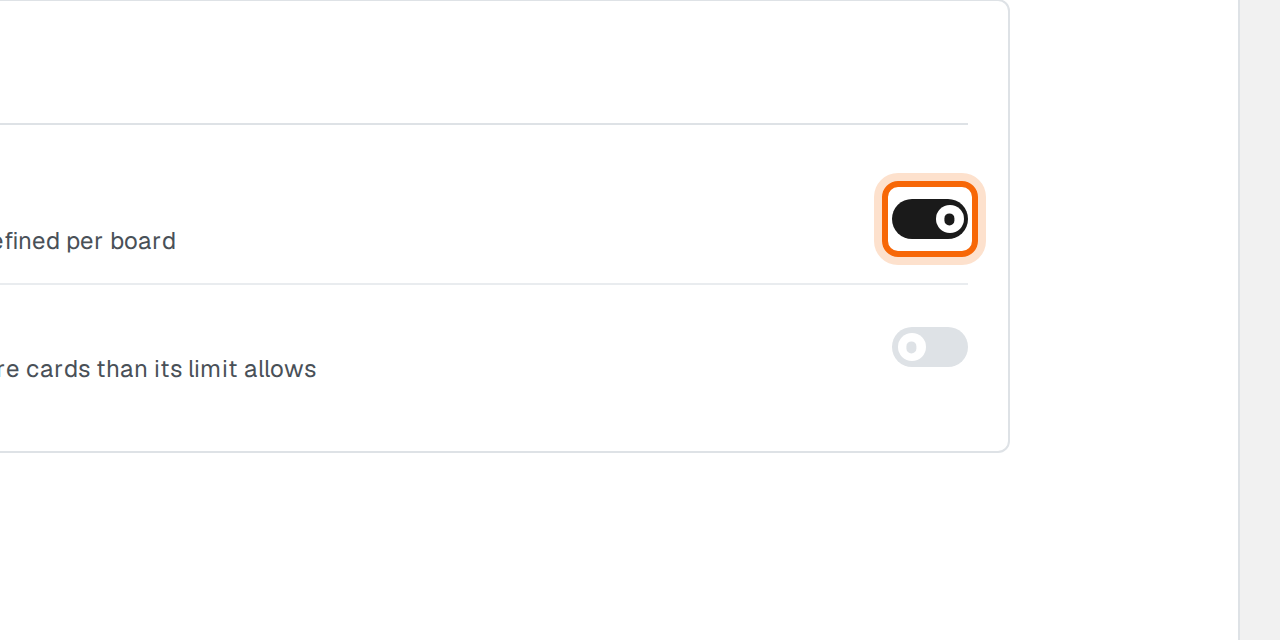
Go to Boards → Setup (Boards managers). Under Features, Labels turns coloured labels on cards on or off for every board. With it off, the label field and each board's Labels tab are hidden; labels already on cards are kept.
Column Card Limits, under the same Features, lets each column have a Card Limit and shows the board's columns against it. Turn it off and no board shows limits, whatever its columns say. See How do I set up a board's columns?
Each board keeps its own list of labels. Open the board's ⋮ menu → Edit Board → Labels tab to rename them, change a colour or drag them into order.
Was this article helpful?