How do I count stock with the scanner?
Scan every item on the shelves for an inventory count, then validate it to correct the stock.
Counting with the scanner is a matter of scanning everything you find. You don't have to look up what the system expects.
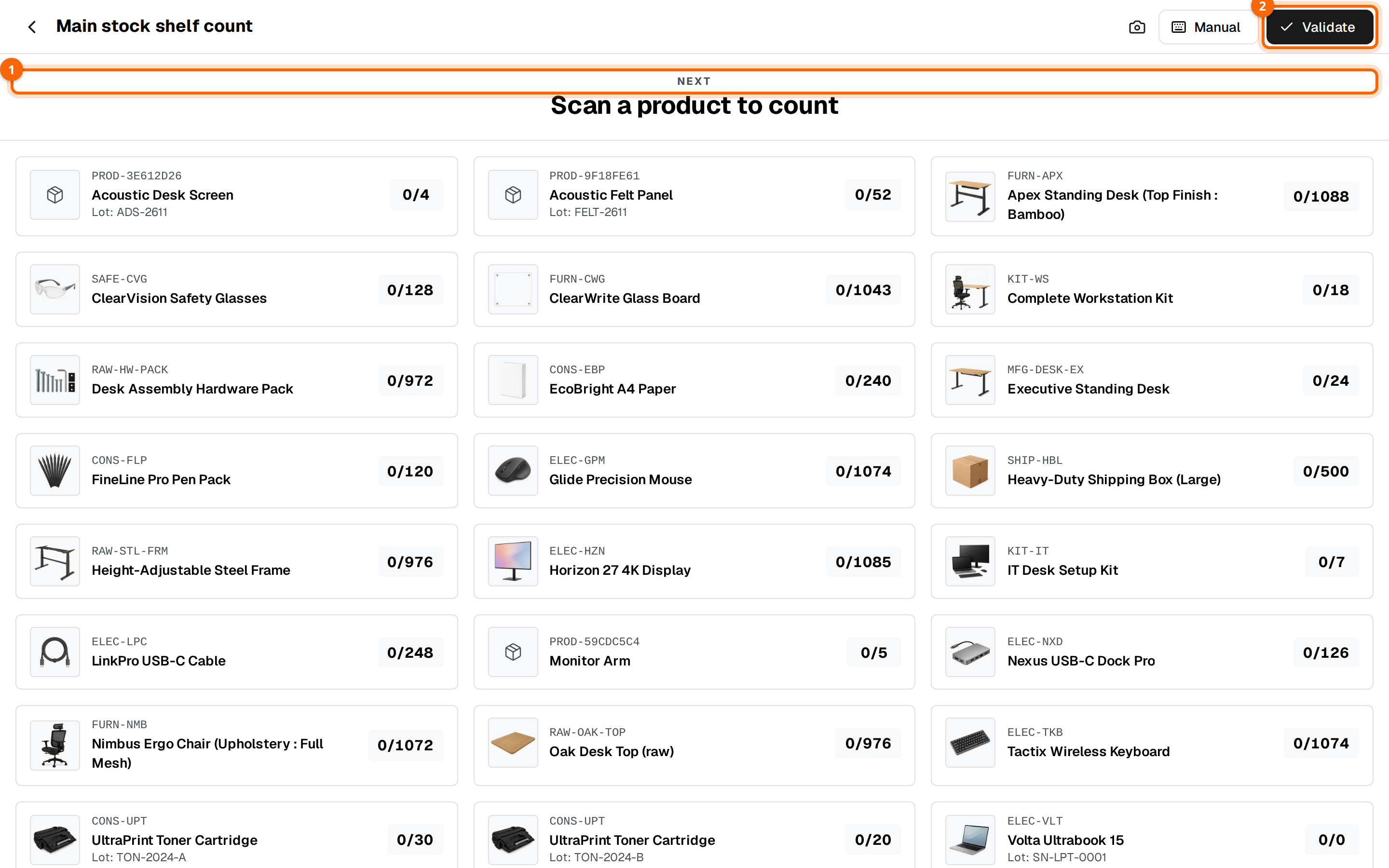
- Open Barcode Picking and tap Counts, then the count.
- Scan each item you find. Every scan adds one to that product's counted quantity; a pack's barcode adds the whole pack.
- A product the count didn't expect is added to it as you scan it, so nothing you find is left out.
- When you're done, tap Validate. Stock is corrected to what you counted.
Was this article helpful?