How do I set and track an employee's goals?
Give an employee goals with a target date, update their progress and status, and link them to an appraisal.
- Go to Appraisal → Goals and click New.
- Name the goal (Complete the advanced backend certification) and choose the Employee.
- Set a Target Date, and link the Appraisal where it was agreed, so it is on that appraisal's Goals tab and its printout.
- Describe it on the Description tab and save.
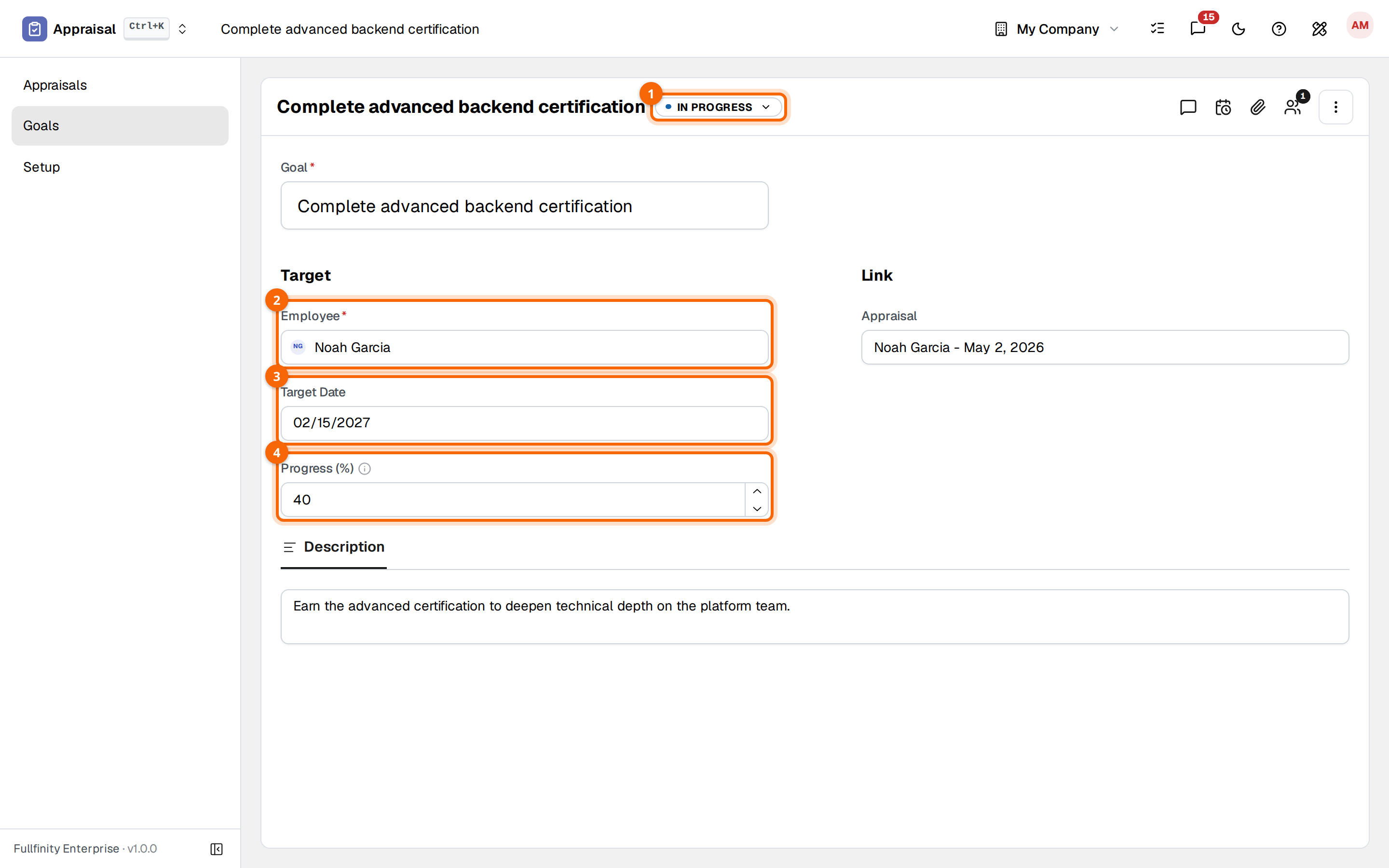
As it moves along, update Progress (%) and click the status at the top to change it: Draft, In Progress, Done or Cancelled. The list in Appraisal → Goals shows each goal's progress as a bar.
Was this article helpful?