How do I finish an appraisal?
Move to the manager's review, mark the appraisal done to calculate its score, and print it.
An appraisal goes To Start → Self-Assessment → Manager Review → Done.
- When the employee has submitted their self-assessment, click Manager Review.
- The manager fills in their part (see How do I fill in an appraisal?).
- Click Mark Done.
Marking it done:
- Sets the Overall Score: the average of the manager's 0–5 ratings. The employee's own scores and colleagues' feedback don't count towards it.
- Updates the employee's skills: each competency the manager rated sets the employee's level for that skill to the nearest level (a 4 out of 5 is the level closest to 80%).
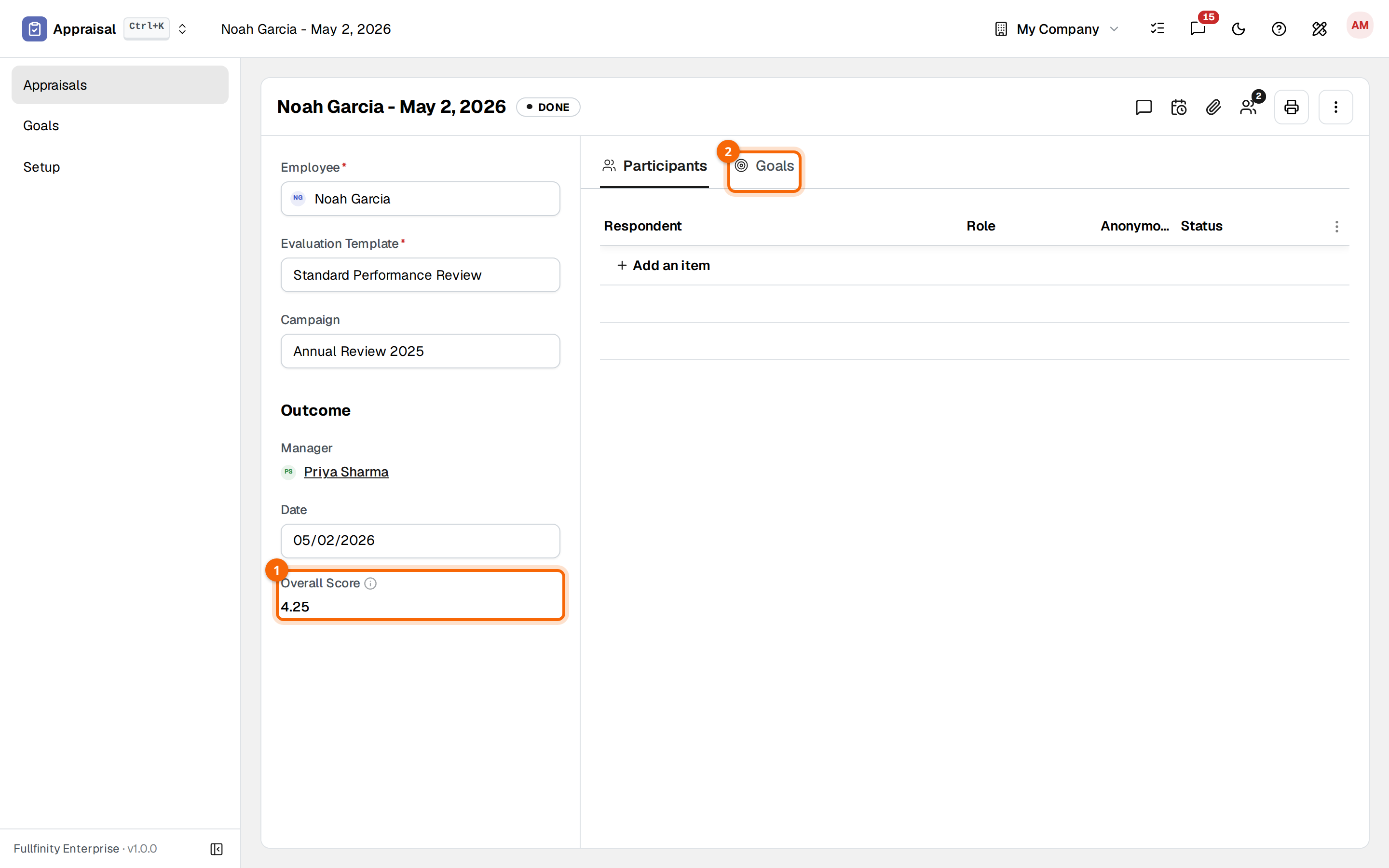
Print it from the printer icon at the top (Print Options): the printed appraisal shows each question with the employee's and the manager's answers side by side, colleagues' feedback (anonymous ones without a name) and the employee's goals.
Was this article helpful?