What do respondents see when they answer a survey?
The survey page from the respondent's side — starting, moving between pages, saving as they go and submitting.
Respondents answer on a page of your website, in your website's look. It works on a phone as well as a computer, and needs no account unless the survey is for signed-in users.
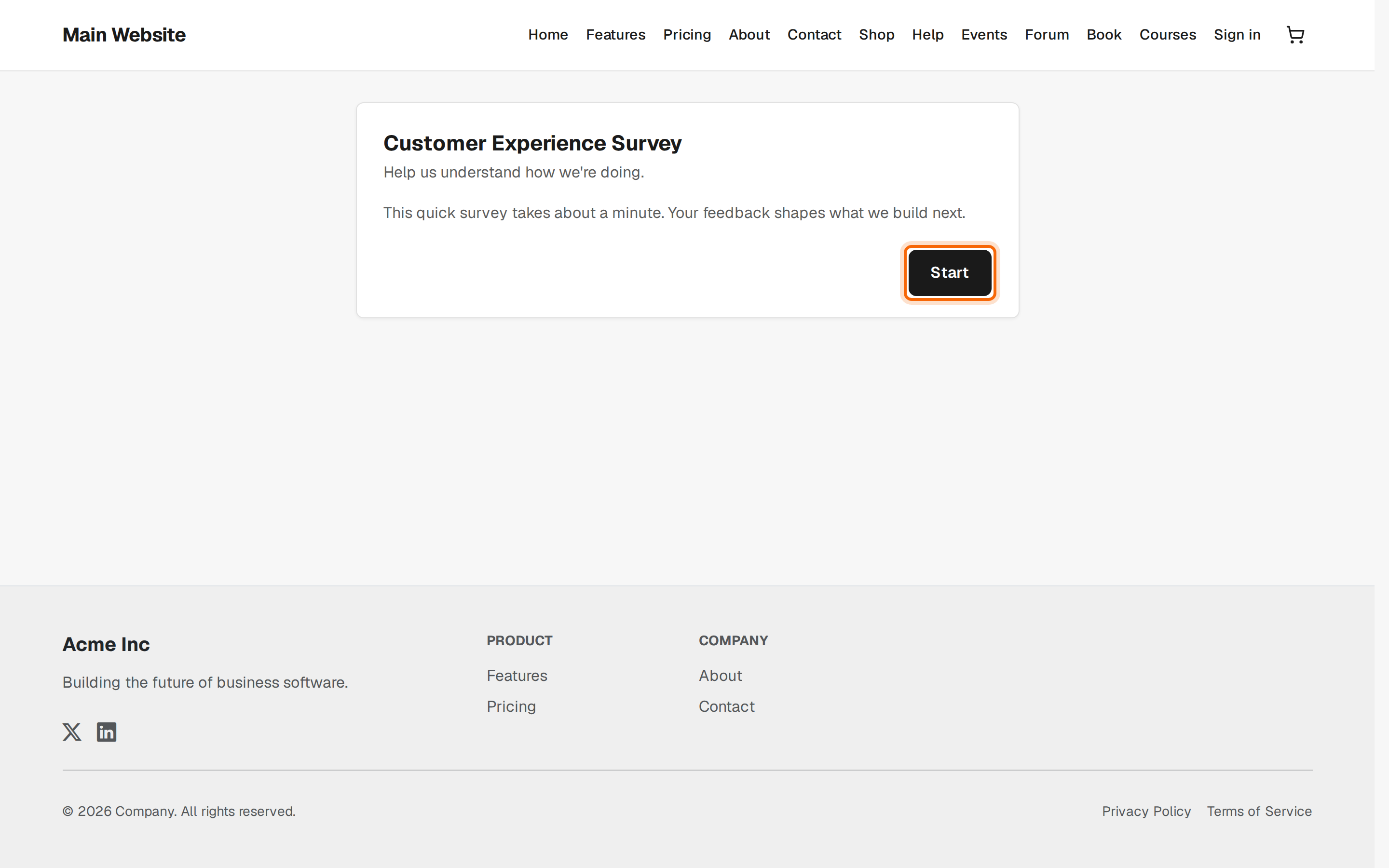
- The first screen shows the title, the description and your introduction. They click Start.
- They answer, moving between pages with Next and Back. Required questions are starred, and a missing answer is pointed out before they move on. Questions that don't apply to them never appear.
- On the last page they click Submit. They see your thank-you message — and, on a quiz, their score.
Answers are saved as they go. On a timed quiz the time left is shown at the top, and turns red in the last minute; reopening the page continues the same attempt — the clock keeps running and the questions stay the same — and when time runs out, what was saved is submitted.
Links people receive
- The survey's own link, for Anyone with the link and Logged-in users surveys. A visitor who isn't signed in to a Logged-in users survey is taken to the sign-in page first, and back to the survey after.
- A personal link in their invitation email, for Invited only surveys. Their answers are recorded against their invitation.
Sharing the results
Switch on Share results publicly on a survey to publish a read-only results page: totals, the completion rate and a chart per question. Written answers are left out — only how many were given — so no one's words are made public. Open it with Public Results on the survey, and share its address.