How do I invoice a customer in another currency?
Bill in a foreign currency and understand how the exchange rate is applied.
Fullfinity can bill customers in any currency you've enabled, while your books stay in your company's currency.
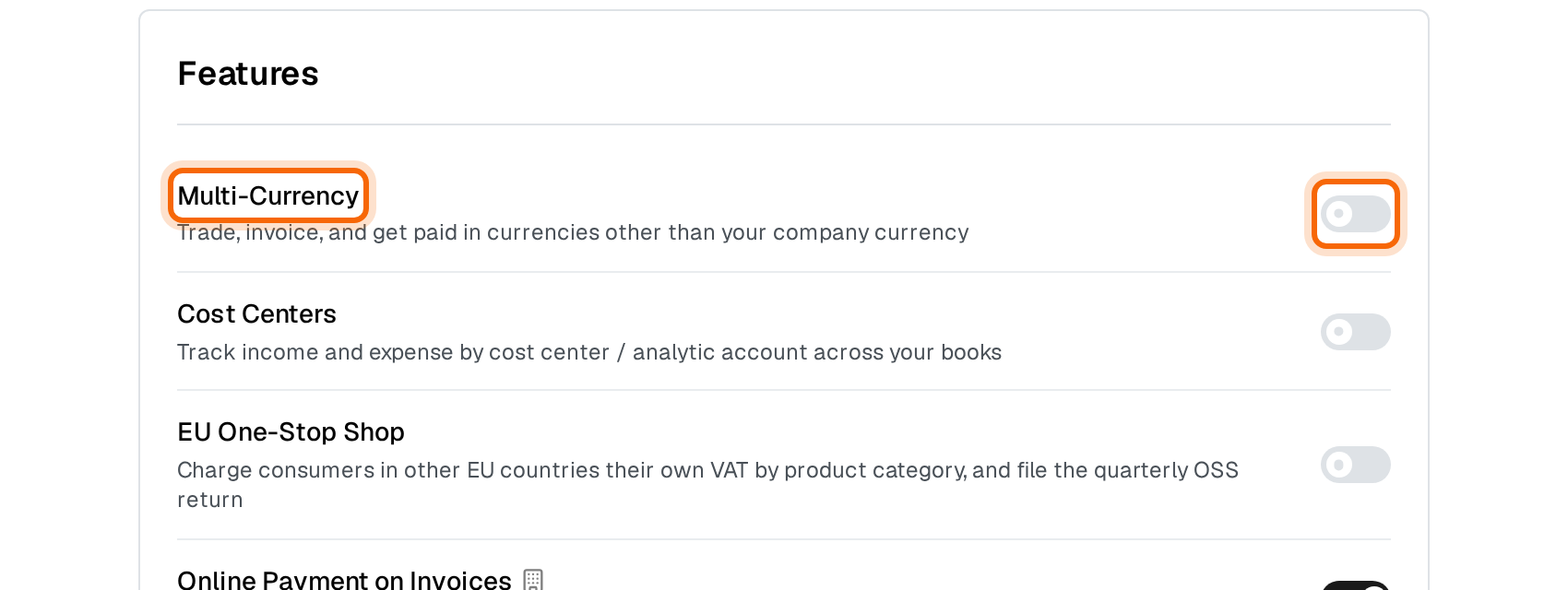
1. Set the currency on the invoice
- Create or open a Draft invoice.
- Set Currency to the currency you bill in (e.g. EUR).
The line prices, taxes and totals are now in that currency, and that's what the customer sees and pays.
2. Check the exchange rate
Below Currency, Exchange Rate shows how many units of your company currency one unit of the invoice's currency is worth, on the invoice Date. It's taken from the most recent rate on or before that date and can't be typed in — change the date, or add a rate, to change it.
What gets recorded
- The invoice keeps its amounts in its own currency — what the customer owes.
- Its journal entry is converted into your company currency at that rate — the figure your reports use.
- When the payment arrives at a different rate, the difference is posted as an exchange gain or loss for you.
Was this article helpful?