How do I send a customer statement as of a past date?
Produce the statement a customer would have received on any date — what they owed, what was overdue, and how old it was.
A customer statement lists what a customer owes you: their open invoices, any payments or credit notes not yet set against an invoice, the total outstanding and how much is overdue. You can date it today — or any day in the past, to see exactly what they owed then.
Produce a statement
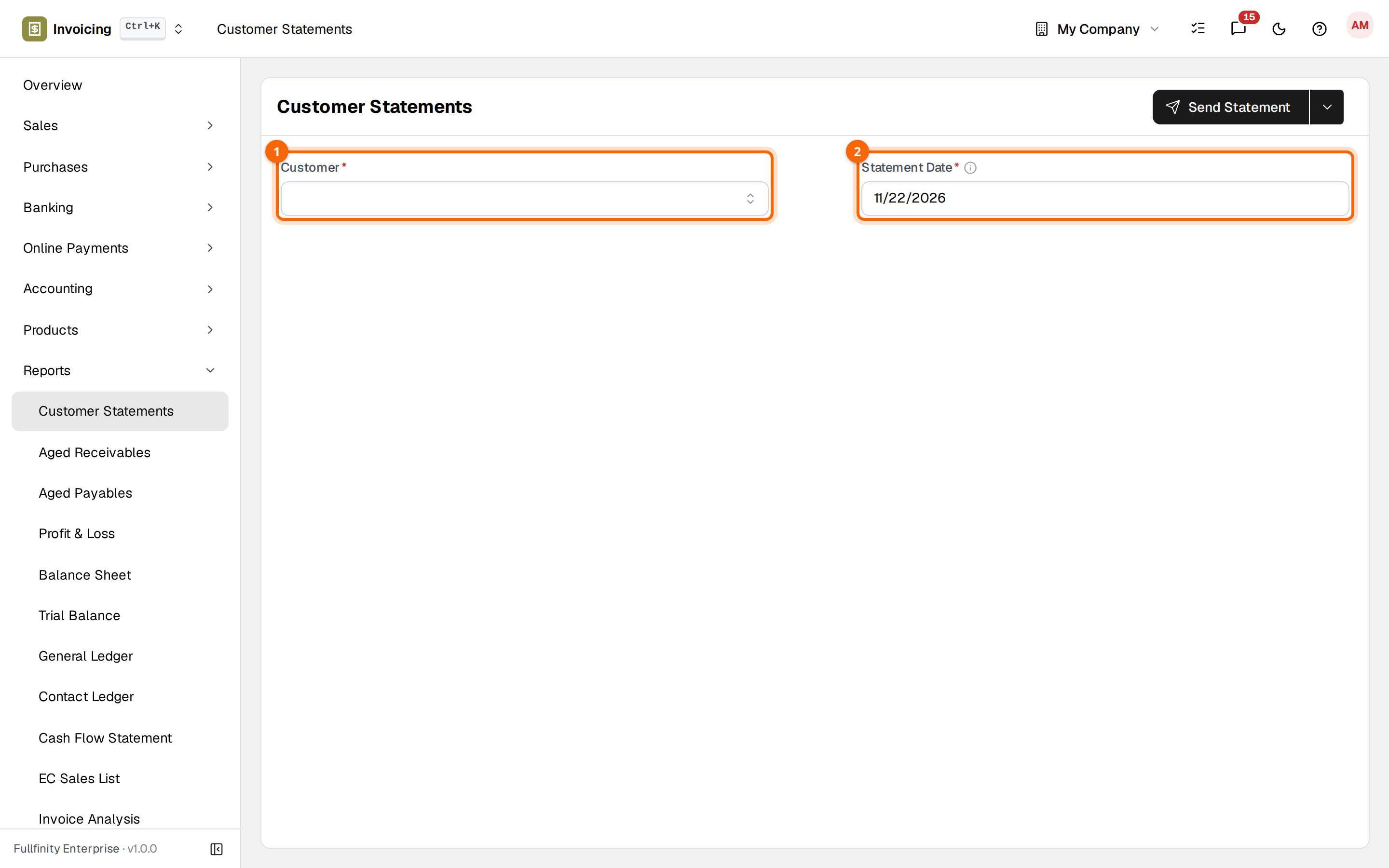
- Open Invoicing → Reports → Customer Statements.
- Choose the Customer.
- Set the Statement Date. It starts as today; change it to any earlier day.
- Read Total Outstanding and Overdue Amount, and the list of items (with Date, Reference, Due Date, Debit, Credit and a running Balance).
- Click Send Statement to email it to the customer, or choose Print from the arrow beside it to download a copy.
What "as of" means
The statement shows the customer's account as it stood at the end of the Statement Date:
- Only items dated on or before that day are included. An invoice raised later doesn't appear.
- A payment made after that day doesn't close anything on it. An invoice paid since is still shown as open, for the amount that was open then.
- Overdue is judged against the Statement Date, not today: an item counts as overdue when its due date is before the Statement Date.
- The aging on the printed and emailed statement (Current, 1-30 Days, 31-60 Days, 61-90 Days, 90+ Days) counts days overdue up to the Statement Date.
- Money the customer has paid but you haven't set against an invoice yet — an unapplied payment or a credit note — lowers the total they owe. It's counted as Current.
You can choose any customer who has posted invoices or payments — including one who is fully paid up today, so you can still produce their statement for an earlier date.
Example
A customer has two invoices:
| Invoice | Dated | Amount | Due | Paid |
|---|---|---|---|---|
| A | 1 October 2026 | 1,000.00 | 31 October 2026 | in full on 15 November 2026 |
| B | 10 November 2026 | 500.00 | 10 December 2026 | not yet |
| Statement Date | Items shown | Total Outstanding | Overdue Amount |
|---|---|---|---|
| 31 October 2026 | A (1,000.00) | 1,000.00 | 0.00 — A is due on the statement date, not before it |
| 5 November 2026 | A (1,000.00) | 1,000.00 | 1,000.00 — 5 days overdue, in 1-30 Days |
| 21 November 2026 | B (500.00) | 500.00 | 0.00 — A was paid on 15 November |
The statement dated 5 November is the one the customer would have received that day, even though invoice A has been paid since.