Expenses, without the paperwork.
Log a receipt, get it approved, and it reimburses and lands in your books on its own. Month-end stops meaning a drawer full of paper.

Nobody remembers the coffee they bought in March.
Receipts pile up in wallets and inboxes, someone chases a spreadsheet at month-end, and finance re-types the total into the ledger. Every step is a place for a number to go missing.
Log it once. It carries itself the rest of the way.
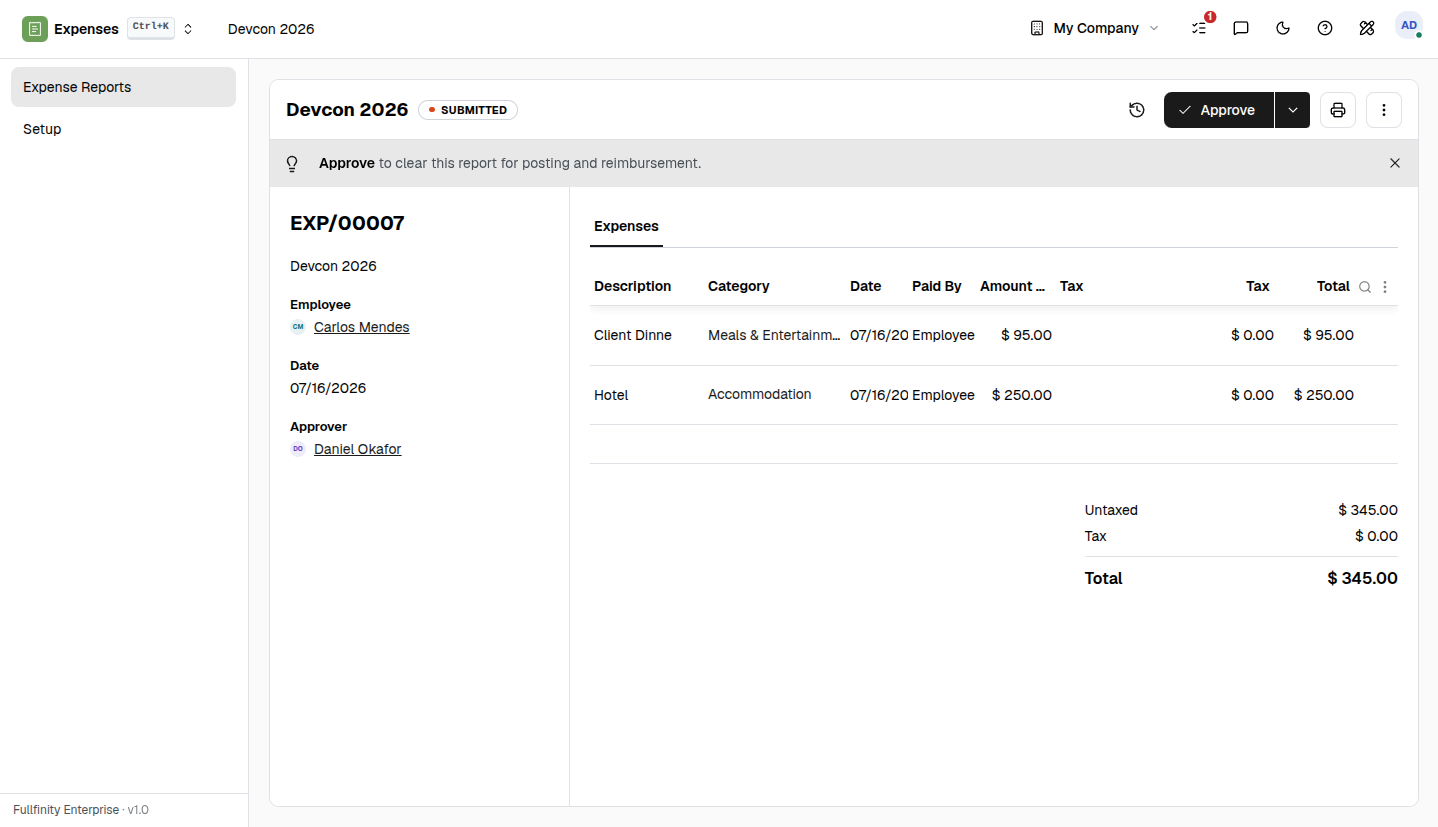
An employee adds the spend with its receipt and submits the report. It routes to their manager, and the moment it's approved it's ready to reimburse and posted to your books — one motion, not a spreadsheet and a re-entry.
The same person HR and Payroll already know.
An expense belongs to an employee — the same one their leave, their contract and their pay run against. Approvals route up the same reporting line, and reimbursement lands where their salary does. Nothing is a separate list to reconcile.
One connected system
The same customers, products and stock run through Expenses and every other app — nothing kept in a separate tool.
Open-core
The core apps are open source, and the whole thing is yours to self-host.
Free, unlimited users
Self-host the Free edition with your whole team on it — no per-seat fees, no seat counting, no trial running out.
Only what you need
Run Expenses on its own, and switch on the rest of the suite when you're ready.
Expense management, answered.
How does an expense get reimbursed?+
An employee logs the spend with its receipt and submits the report. It routes to their manager to approve, and once approved it is ready to reimburse and posts to your books — no month-end envelope of paper.
Do employees need a separate app?+
No. Expenses lives in the same system as the rest of the business, on the same employee record HR and Payroll already use — so the person, their manager and their pay are all one record, not three.
Does an approved expense reach accounting?+
Yes. An approved report posts the cost to your accounts automatically, so it is recorded once — not re-keyed from a spreadsheet into the ledger later.
Can I self-host it?+
Yes — the Free edition runs on your own server, free, with your whole team on it. Prefer not to run servers? We host a managed cloud. Same product either way.
Apps that pair with Expenses
Run Expenses — and the rest of your business — in one place.
Join the waitlist and be first through the door when Fullfinity launches.
Join the waitlist